🟢 Now live on Google Play · iOS coming soon
 Ad-free
forever!!
Pic2Plan
Snap it. Plan it.
Turn letters, emails, screenshots, texts, and WhatsApp messages into calendar events in seconds.
Scan to install on Android
🟢 Now live on Google Play · iOS coming soon
Ad-freeSnap it. Plan it.
Turn letters, emails, screenshots, texts, and WhatsApp messages into calendar events in seconds.
Scan to install on Android
Three steps. Zero effort.
Screenshot or take a photo of any email, letter, or message
AI reads the dates, times, and details
Events appear in your calendar automatically
Everything you need to stay on top of every date.
Extracts dates, times, locations from letters, emails, screenshots, texts, WhatsApp messages — anything with a date.
Syncs directly to Google Calendar, Apple Calendar, Outlook, and your device calendar.
Share events with family as calendar invites. Everyone stays in sync, effortlessly.
Create groups for automatic event sharing. Perfect for offices, clubs, and schools.
Choose when to be reminded: morning of, day before, or set your own custom time.
Clean, premium experience with no advertising. Your data stays yours, always.
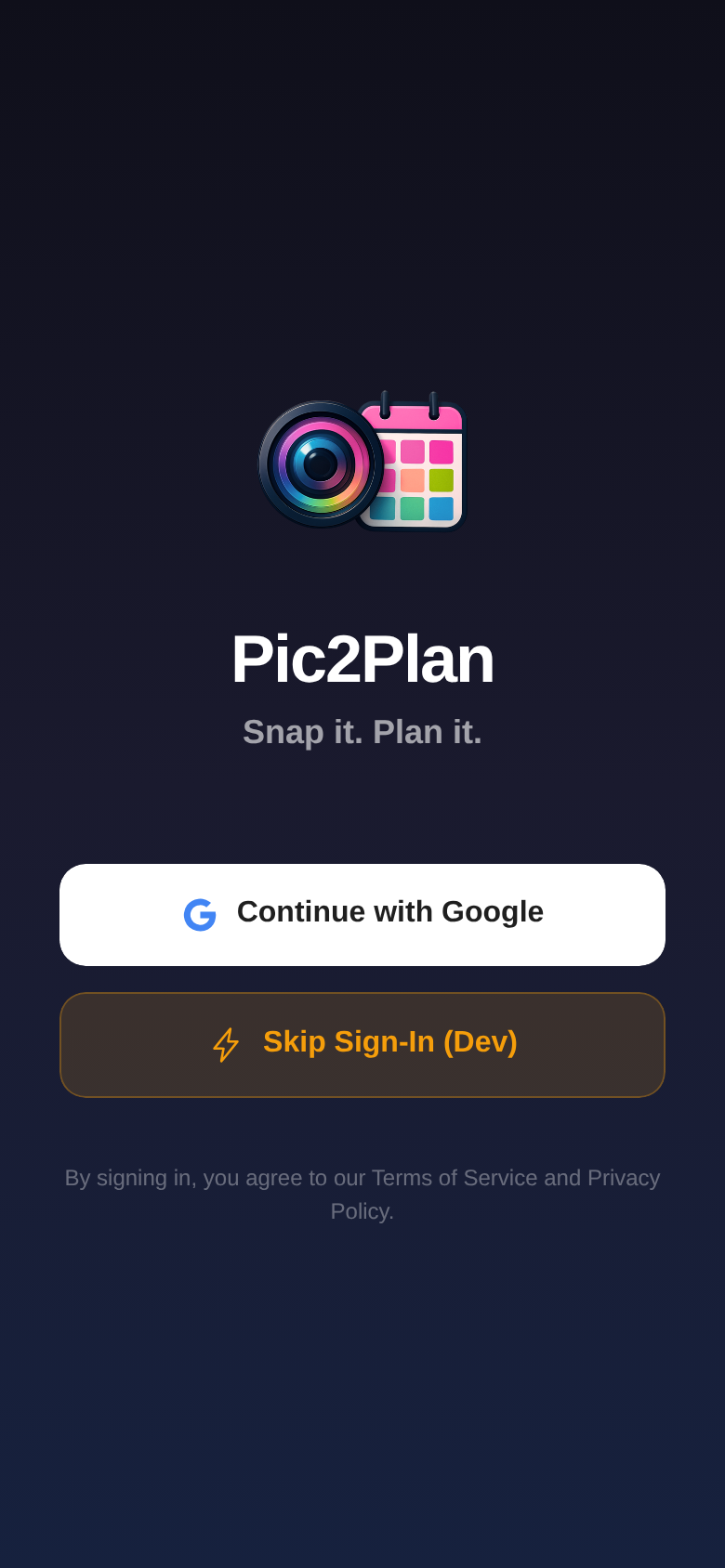
A beautiful, intuitive app that just works.
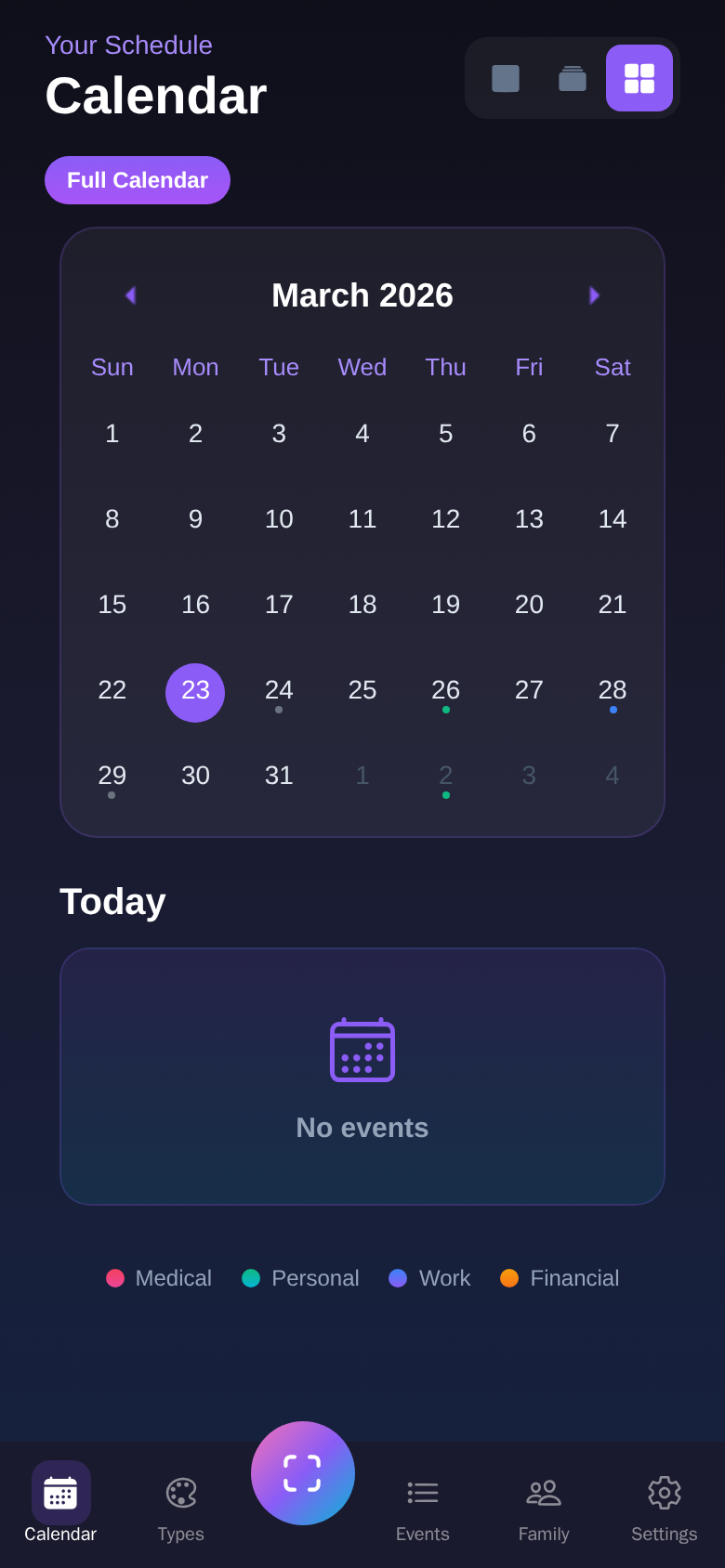
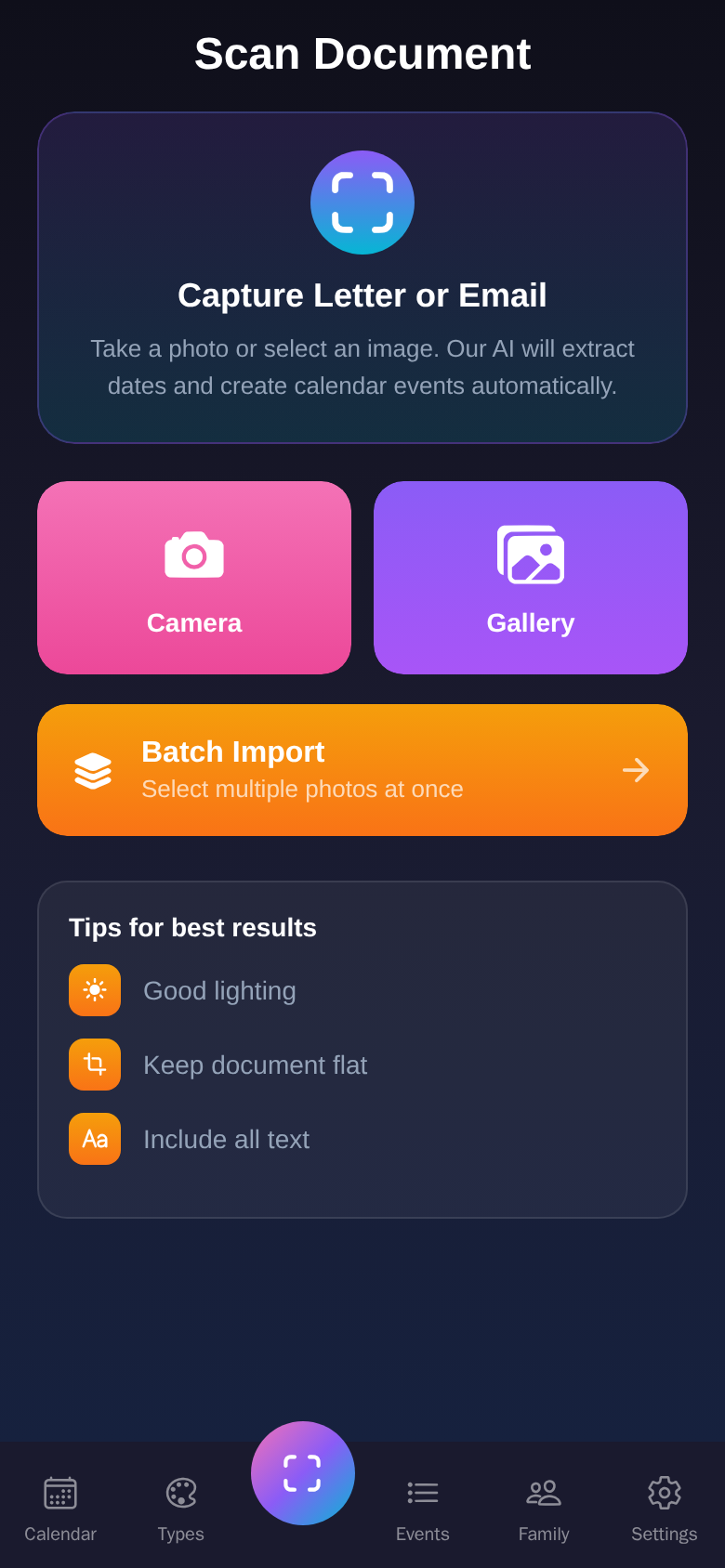
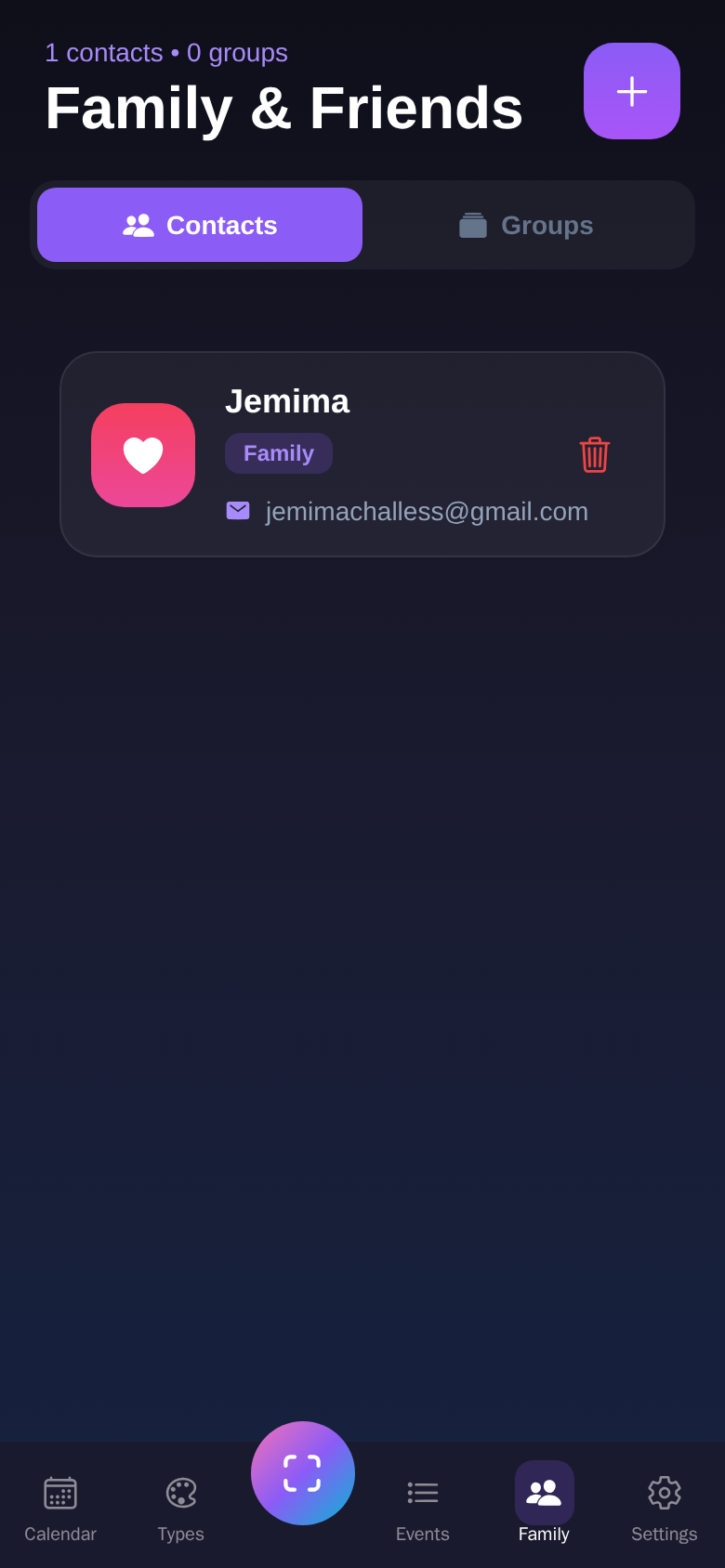
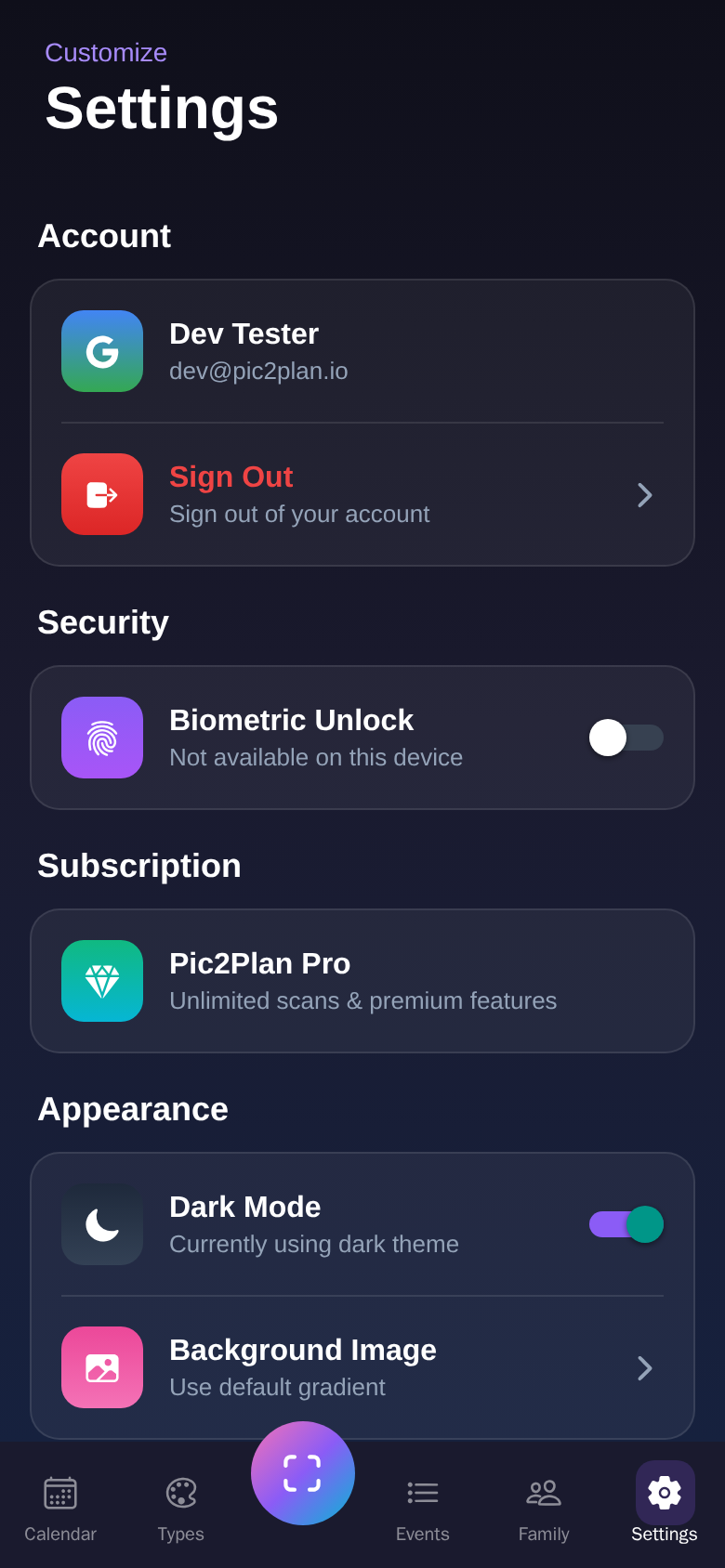
Designed for anyone who deals with dates — on paper or on screen.
School letters, club schedules, dental appointments — snapped and planned in seconds.
Client meetings, invoice deadlines, appointment confirmations — never miss a date.
Conference invites, training schedules, office notices — straight to your calendar.
Start free. Upgrade when you need more. Ad-free forever!!
or £24.99/year Save 30%
Pic2Plan was tested over six weeks by a hand-picked group of busy parents, professionals, and HR consultants across the UK. Their feedback shaped every part of the app you'll use today.
Pic2Plan is now live on Google Play, with iOS coming soon. Real user reviews will appear here as they come in.
Want to be among the first? Download Pic2Plan and leave us a review — it genuinely helps other people discover the app.
Yes! You get 5 free scans per month with no ads. Upgrade to Pro for unlimited scans and premium features.
Anything with dates: school letters, appointment confirmations, invoices, event invitations, handwritten notes, emails, text messages, WhatsApp messages — if it has a date, just screenshot or photograph it.
You can share events as calendar invites (.ics files) via email or WhatsApp. Create family or team groups to automatically share every event you scan.
Go to the Family tab, tap the + button to add contacts with their email addresses. Then create a group (e.g. "The Smith Family"), add your contacts, and turn on auto-share. Every event you scan will be sent to the whole group as a calendar invite.
Same as family — add your colleagues as contacts, create a team group, and enable auto-share. Everyone gets calendar invites for every event you scan. Perfect for offices handling incoming post.
Yes. We use encrypted connections, and your data is never sold and never shared for advertising. It is only handled by the service providers we use to run the app, such as our AI, hosting and email providers, and each of them is named in our Privacy Policy. You can delete your account and all your data at any time.
Google Calendar, Apple Calendar, Outlook, and any calendar app on your device.
Download Pic2Plan and turn every document into a plan.
Ad-free forever!!